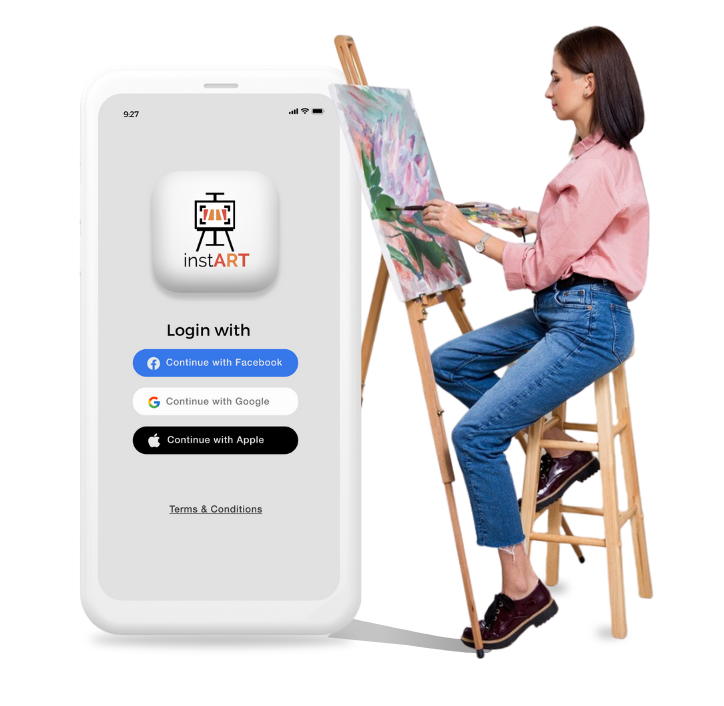
An App that helps the users to hear through an audio tour of any artwork in the Art Gallery. This app will also let users access more about the art information, recent events, and exhibitions that happen nearby your location.
Most of the visitors have problems while they were inside the art gallery, they had to hire a guide, had to follow them and couldn’t enjoy the art very well. On the other hand some visitors had struggle inside the art gallery who couldn’t afford any guide
Figure out if the application is easy to use and fulfil the needs of visitors in the real and virtual space.
What are the pain points when searching for guided tour or using a virtual tour? How to gather the
Information related to particular artwork and their journey. What other features are missing to improve
the user experience.
I conducted qualitative and quantitative
research by asking questions related to:
● About past experiences and facing problem while visiting any art gallery
● Quality of artwork with tour guide
● Number of artwork they had visited before
Couldn’t enjoy the
artwork due to less time
duration and if they hire
any guide, they need to
follow them till the tour
gets over, and they
couldn’t wait with their
time.
Jolly Mishra
is a Project Manager who needs to seek help from someone to know more about the art because she loves enjoying the art and interested to learn more about its history
Morton Carl is a Retired doctor who needs to hear the audio guide because he loves enjoy the art and gather more information related to artwork
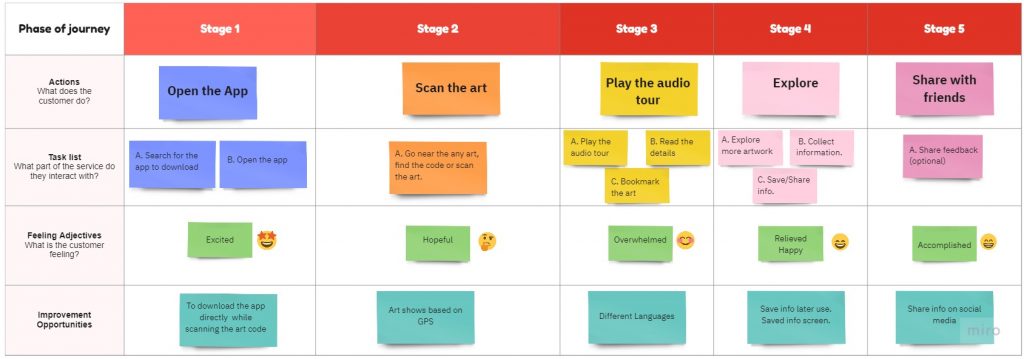
User journey maps
To empathise with the users, we also create empathy maps and user journey map to dig deeper into each stage that our personas go through while browsing the artwork.
Starting
the design
Paper wireframes
Digital wireframes
Low-fidelity prototype
Usability studies
Paper wireframes
I have sketched many screens with different layout, structures and elements and from that I had to choose the best fit screens that will be seen great in digital screens. I have come up with the best solutions, that will solve the pain points of users.
Digital wireframes
Low-fidelity prototype
I have sketched many screens with different layout, structures and elements and from that I had to choose the best fit screens that will be seen great in digital screens. I have come up with the best solutions, that will solve the pain points of users.
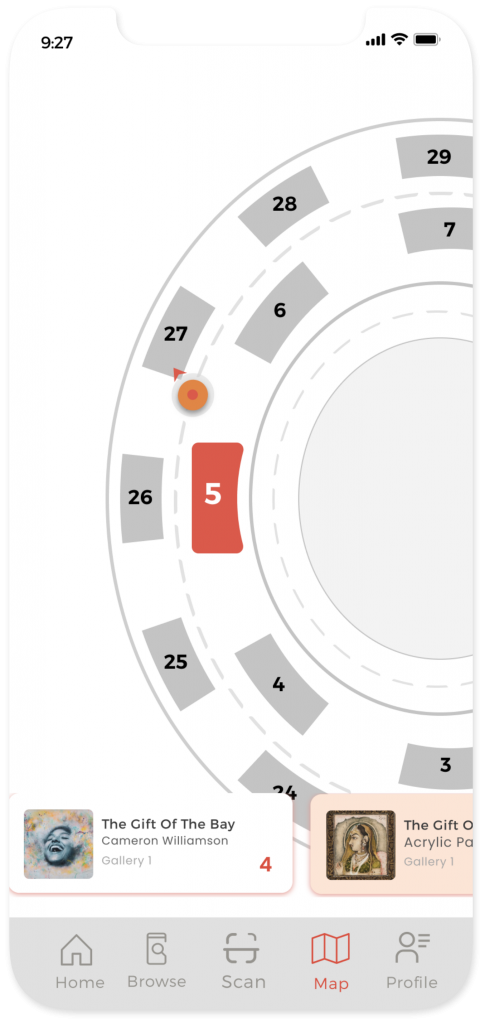
From first usability study, user couldn’t easily navigate the artwork next to it or nearby artwork. After usability studies users can easily navigate with less iteration.
I have sketched many screens with different layout, structures and elements and from that I had to choose the best fit screens that will be seen great in digital screens. I have come up with the best solutions, that will solve the pain points of users.
Time constraint tough me to work in a certain amount of time by taking my self-made deadlines seriously. I tried my best to implement most of UX process instead of just focusing on fancy UI’s.
The peer feedbacks where really helpful in the whole process.
Next steps
Allows people to easily search by speaking a query in mic.
Trying to validate whether the pain points of the users has been addressed effectively or not.
Collecting more and more feedbacks, exploring use cases, and brainstorm ideas of any other features that get highlighted from feedbacks.
Let’s connect!
Awesome! Your effort on going through my presentation is really appreciable.